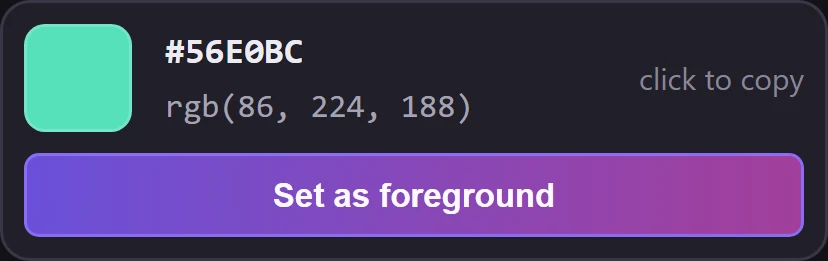
The chosen color, ready to use
Set it as the foreground color, or click the HEX or RGB value to copy it.

Free Photoshop plugin
A docked panel that turns your foreground color into six harmonies and shows them on a color wheel. One click sets, copies or saves a color.
Version 1.3.0Photoshop 24.2 or newerPlugin interface in EnglishHow to install
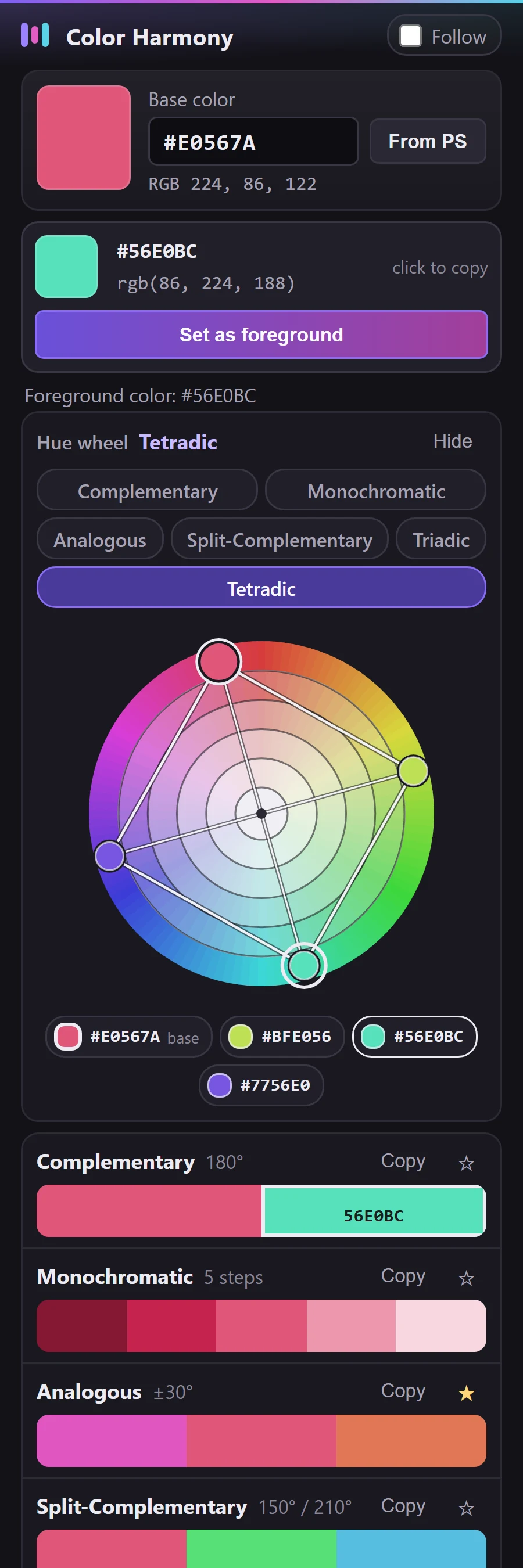
Follow the foreground color, open a harmony, set a color, copy its value, save the palette.
Real plugin interface. Photoshop is simulated in this video.
Choose a harmony above the wheel and the points move at once. Each point sits at the real hue angle of its color, with its HEX value below the wheel. Click a point to set it in Photoshop.
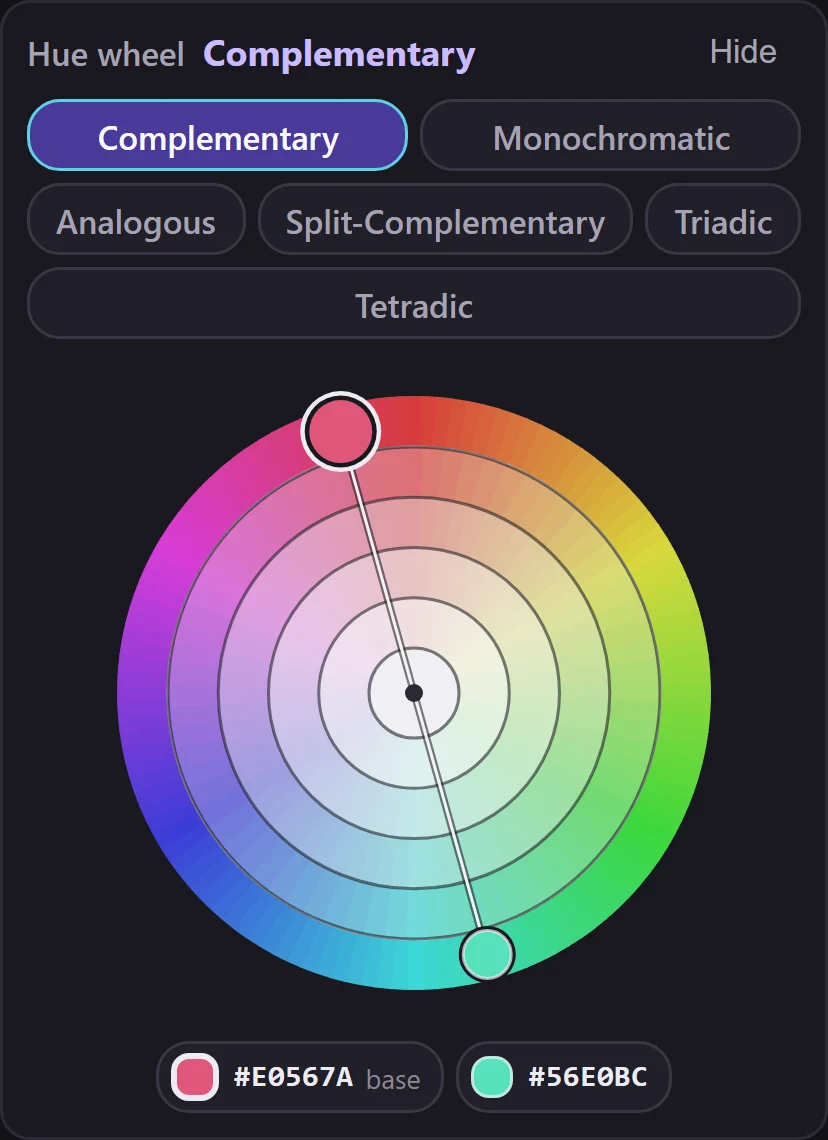
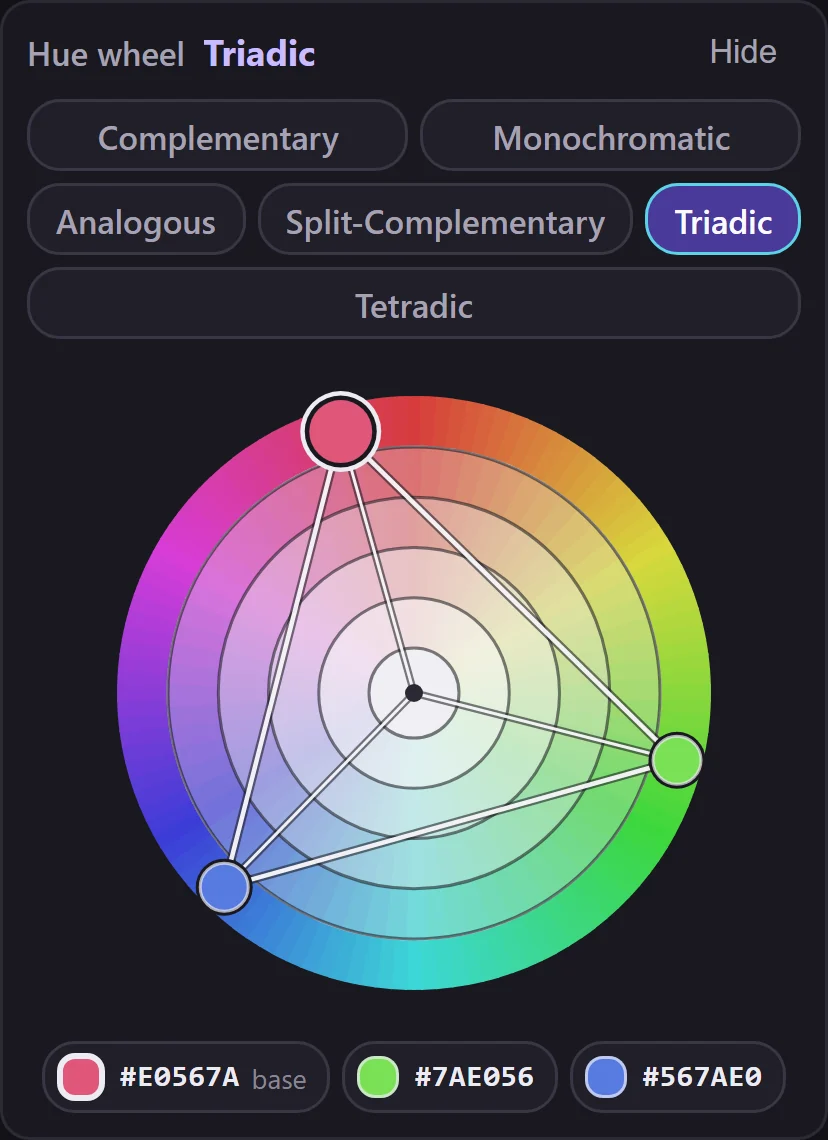
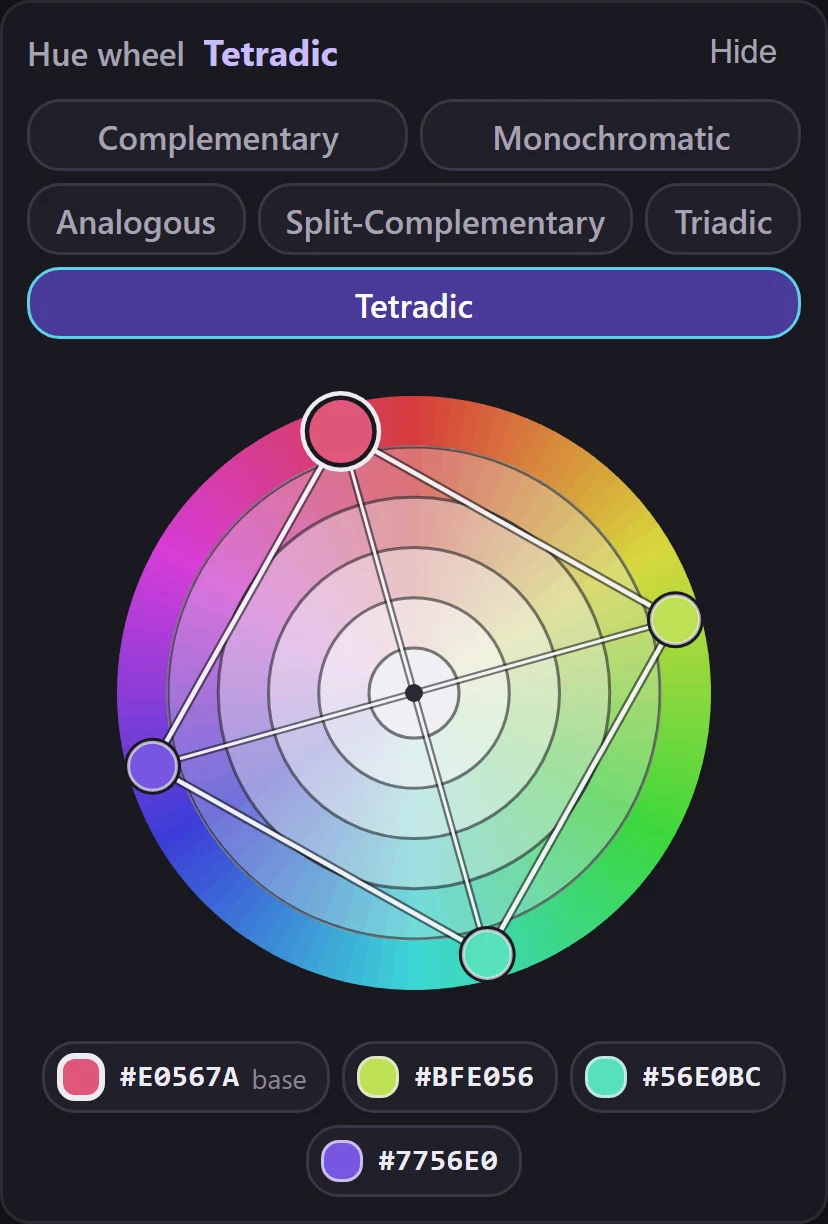
Same base color #E0567A in all three. Interface rendered from the plugin 1.3.0 code, not a Photoshop screenshot.
Simulation: Photoshop runs in your browser
The panel on the left runs the plugin's own interface code. Photoshop is simulated here, so pick a color below the way the Eyedropper would.
Click any field in the panel: the plugin makes the same call it makes in Photoshop, and the simulated foreground color changes.
Pick one of six harmonies above the wheel. The base color is the larger point with a light ring; click any point to make it the foreground color.
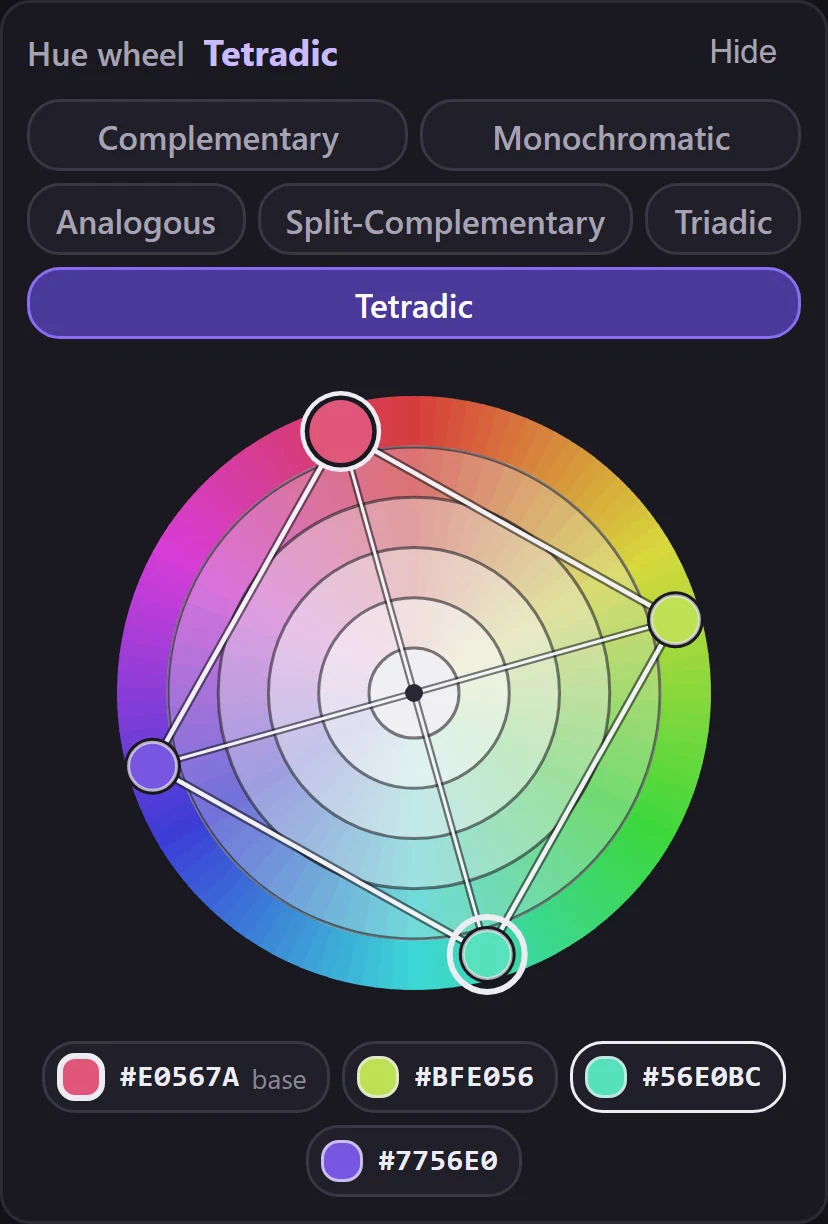
Set it as the foreground color, or click the HEX or RGB value to copy it.
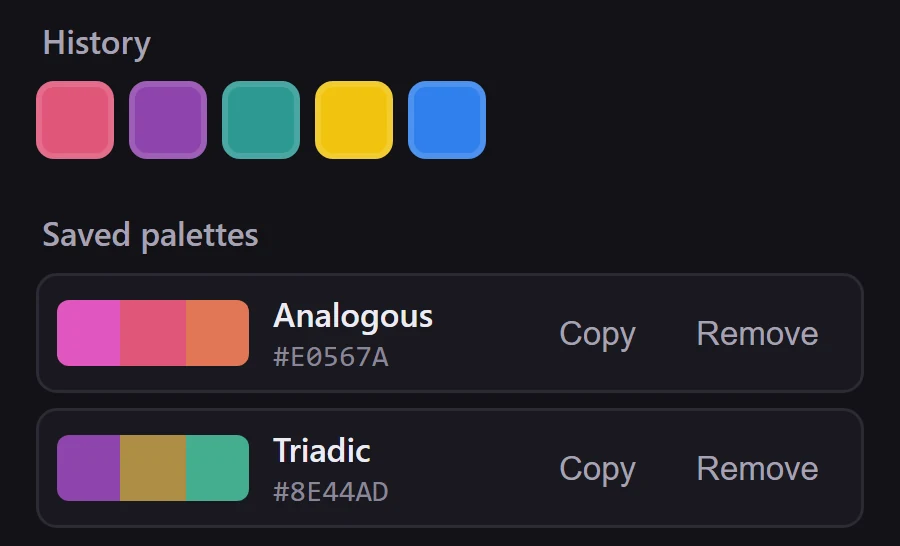
The last twelve base colors, shown in their real colors, and up to thirty palettes stay in the panel between sessions.
Free for personal and commercial work. No sign-up, no account, no email address.
Download freeThis website counts clicks on the download links without cookies or personal data. Details are in the privacy policy.
Support: studio@biro404.rs
BIRO404 Color Harmony is free. You may:
You may not:
The plugin is provided as is, without warranty.
Licensor: BIRO 404. The full text, with the licensor's registered legal name, is LICENSE.txt in the documentation ZIP.
Need a plugin or a small tool for software your team already uses?
We build tools like this to orderAdobe and Photoshop are trademarks of Adobe Inc. BIRO404 Color Harmony is an independent plugin and is not made or endorsed by Adobe.